Managing Clusters
Manage the cluster via UI
- Support connecting the exist kubernetes cluster.
- Support connecting the ACK cluster.
Users with cluster management permissions can enter the cluster management page to add or detach managed clusters.
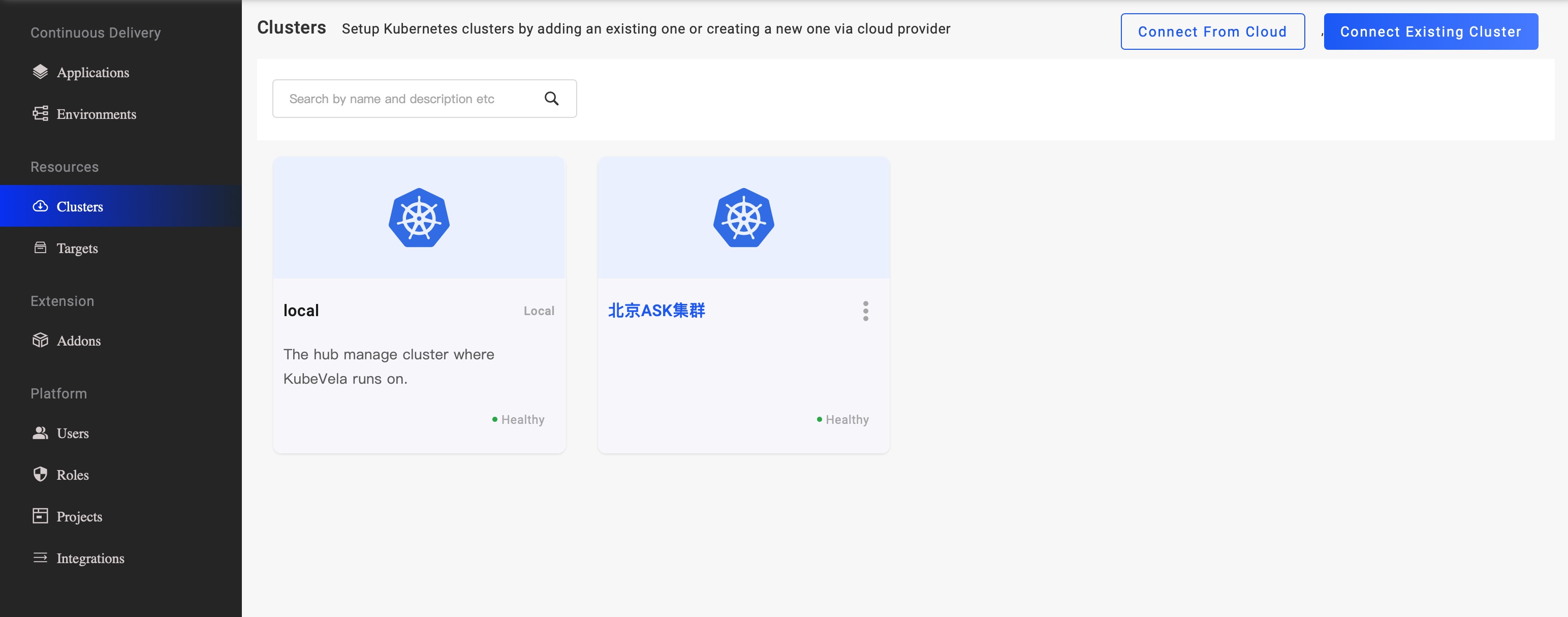
For connecting the ACK clusters, the platform will save some cloud info, Region, VPC, Dashboard Address, etc. When users use the cluster to create a Target, the cloud information is automatically assigned to the Target, which the cloud service applications can use.
Manage the cluster via CLI
vela cluster join
You can simply join an existing cluster into KubeVela by specifying its KubeConfig as below
vela cluster join <your kubeconfig path>
It will use the field context.cluster in KubeConfig as the cluster name automatically,
you can also specify the name by --name parameter. For example:
$ vela cluster join beijing.kubeconfig --name beijing
$ vela cluster join hangzhou-1.kubeconfig --name hangzhou-1
$ vela cluster join hangzhou-2.kubeconfig --name hangzhou-2
vela cluster list
After clusters joined, you could list all clusters managed by KubeVela.
$ vela cluster list
CLUSTER                 TYPE            ENDPOINT                ACCEPTED        LABELS
local                   Internal        -                       true
cluster-beijing         X509Certificate <ENDPOINT_BEIJING>      true
cluster-hangzhou-1      X509Certificate <ENDPOINT_HANGZHOU_1>   true
cluster-hangzhou-2      X509Certificate <ENDPOINT_HANGZHOU_2>   true
By default, the hub cluster where KubeVela locates is registered as the
localcluster. You can use it like a managed cluster in spite that you cannot detach it or modify it.
label your cluster
You can also give labels to your clusters, which helps you select clusters for deploying applications.
$ vela cluster labels add cluster-hangzhou-1 region=hangzhou
$ vela cluster labels add cluster-hangzhou-2 region=hangzhou
$ vela cluster list
CLUSTER                 TYPE            ENDPOINT                ACCEPTED        LABELS
local                   Internal        -                       true
cluster-beijing         X509Certificate <ENDPOINT_BEIJING>      true
cluster-hangzhou-1      X509Certificate <ENDPOINT_HANGZHOU_1>   true            region=hangzhou
cluster-hangzhou-2      X509Certificate <ENDPOINT_HANGZHOU_2>   true            region=hangzhou
vela cluster detach
You can also detach a cluster if you do not want to use it anymore.
$ vela cluster detach beijing
It is dangerous to detach a cluster that is still in-use. But if you want to do modifications to the held cluster credential, like rotating certificates, it is possible to do so.
vela cluster rename
This command can rename cluster managed by KubeVela.
$ vela cluster rename cluster-prod cluster-production